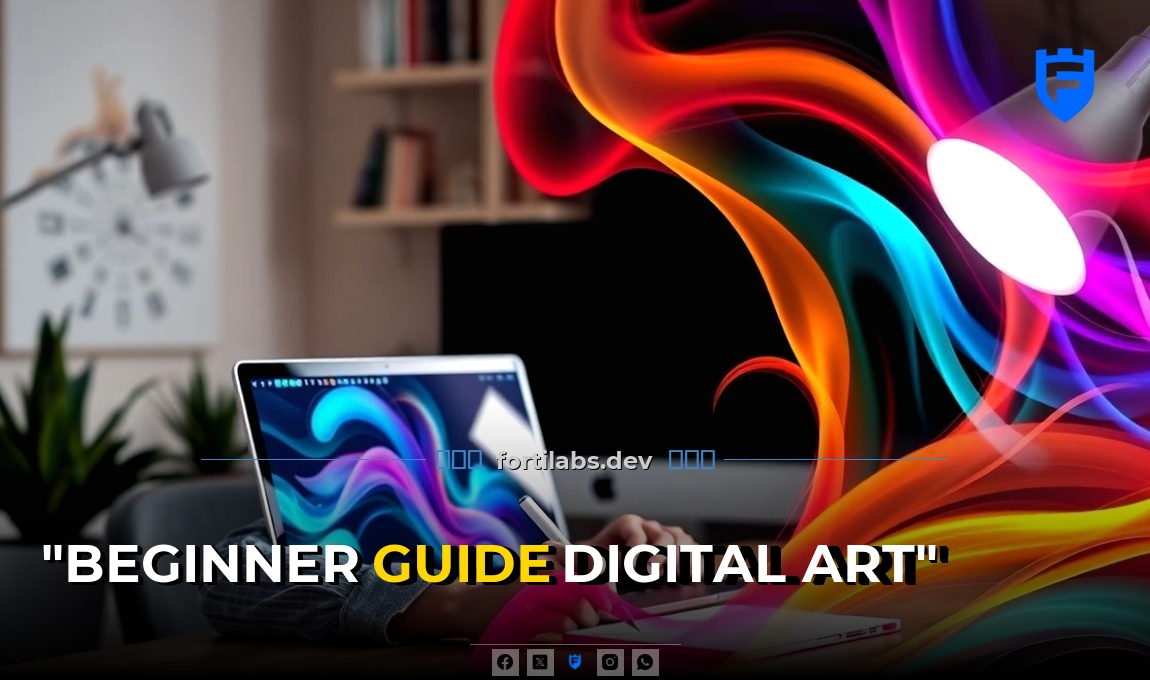
You don’t need to be a tech genius to create stunning digital art. Despite what many believe, digital art isn’t just for those with advanced technical skills or expensive equipment. With the right tools and a bit of practice, you can create beautiful artwork using digital mediums. This guide will walk you through the basics of digital art, helping you get started on your creative journey.
Getting Started with Digital Art
Before diving into creating digital art, you’ll need a few must-have tools. Don’t worry, you don’t need to break the bank to get started.
Hardware
- Computer or Tablet: You’ll need a device to create your artwork. A computer with a drawing tablet or a tablet with a stylus, like an iPad or Android tablet, works best.
- Stylus: If you’re using a tablet, a stylus can help you create more precise and natural-looking lines. Even a basic stylus can make a big difference.
For example, the Apple Pencil, which costs around $129, can transform your iPad into a powerful drawing tool. It offers pressure sensitivity, tilt functionality, and a low latency, making it feel like a real pencil or brush in your hand.
Software
- Drawing Software: There are plenty of affordable or even free drawing programs available. Some popular options include Procreate ($9.99), Adobe Fresco (free), and Krita (free).
- Photo Editing Software: If you plan on working with photos or creating digital collages, you might want to invest in photo editing software like Adobe Photoshop ($9.99/month) or GIMP (free).
Basic Digital Art Techniques
Now that you’ve your tools, it’s time to learn some basic digital art techniques. These skills will help you create stunning artwork, even as a beginner.
Understanding Layers
Layers are one of the most powerful features of digital art. They allow you to work on different parts of your artwork separately, making it easy to edit and refine your work. Think of layers as transparent sheets stacked on top of each other. You can draw or paint on each sheet without affecting the others.
For instance, you might have one layer for the sketch, another for the colors, and another for the details. This way, you can adjust the sketch without messing up the colors or details.
Using Brushes
Digital art software comes with a variety of brushes that can help you achieve different effects. Experiment with different brushes to see what they can do. Go ahead and also adjust the size, opacity, and flow of your brushes to create unique textures and effects.
For example, in Procreate, you can find a wide range of brushes, from basic pencils and ink pens to textured brushes that mimic traditional media like watercolor or oil paint. Don’t be afraid to play around with these brushes to see what you can create.
Practicing and Improving Your Skills
Like any skill, digital art takes practice. The more you draw, the better you’ll get. Here are some tips to help you improve your skills.
Daily Practice
Set aside some time each day to practice your digital art skills. Even just 30 minutes a day can make a big difference. Try drawing different subjects, from simple shapes to complex scenes. The key is to keep drawing and experimenting with different techniques.
Learning from Others
There are plenty of resources available to help you learn digital art. You can find tutorials on YouTube, blogs, and online courses. Watching other artists at work can give you new ideas and techniques to try.
For example, on YouTube, you can find channels like Proko, which offers free drawing tutorials, or The virtual instructor, which provides digital art tutorials for all skill levels.
Getting Feedback
Share your artwork with others and ask for feedback. Constructive criticism can help you identify areas where you can improve. Go ahead and share your work on social media, online forums, or local art groups.
Sharing Your Artwork
Once you’re happy with your artwork, it’s time to share it with the world. Sharing your art can help you connect with other artists, gain recognition, and even make some money.
Social Media
Social media platforms like Instagram, Twitter, and Facebook are great places to share your artwork. You can post your work, connect with other artists, and join art communities. Use relevant hashtags to help people find your work.
Art Communities
Online art communities like DeviantArt, ArtStation, and Behance are great places to share your work and get feedback. These communities are filled with artists of all skill levels, and you can learn a lot from them.
For example, ArtStation is a popular platform for artists to showcase their work, especially in the game, film, and media industries. It’s a great place to get inspiration and connect with other artists.
Selling Your Art
If you’re ready to take your digital art to the next level, you might want to consider selling your work. Go ahead and sell prints, digital downloads, or even original artwork. Websites like Etsy, Redbubble, and Society6 make it easy to sell your art online.
Remember, becoming a successful digital artist takes time and practice. Don’t be discouraged if you don’t see immediate results. Keep drawing, keep learning, and keep sharing your art with the world.
Leave a Reply